Scan locally
Read Chrome windows, tabs, and tab groups on device, then persist only local scan metadata.

Local suggestions for overloaded Chrome sessions
Make sense of crowded windows without sending tab data to a hosted product. TabBoy scans locally, turns the chaos into reviewable suggestions, then lets you decide what to group, deduplicate, save for later, restore, or leave alone.
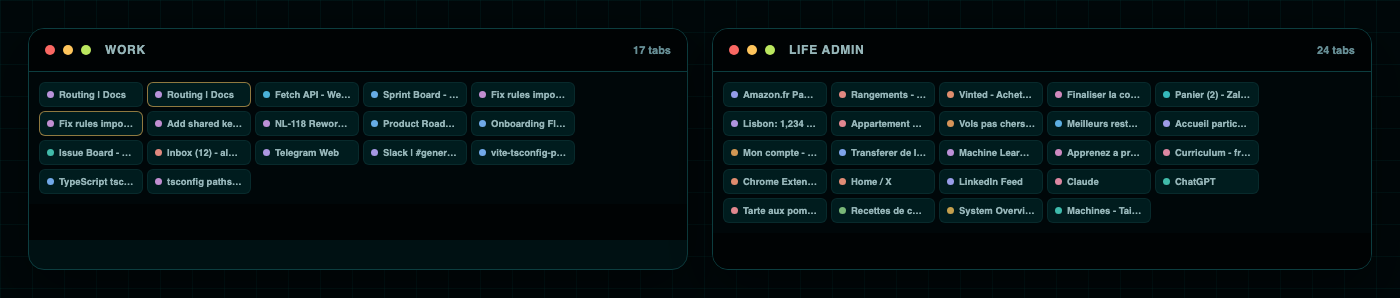
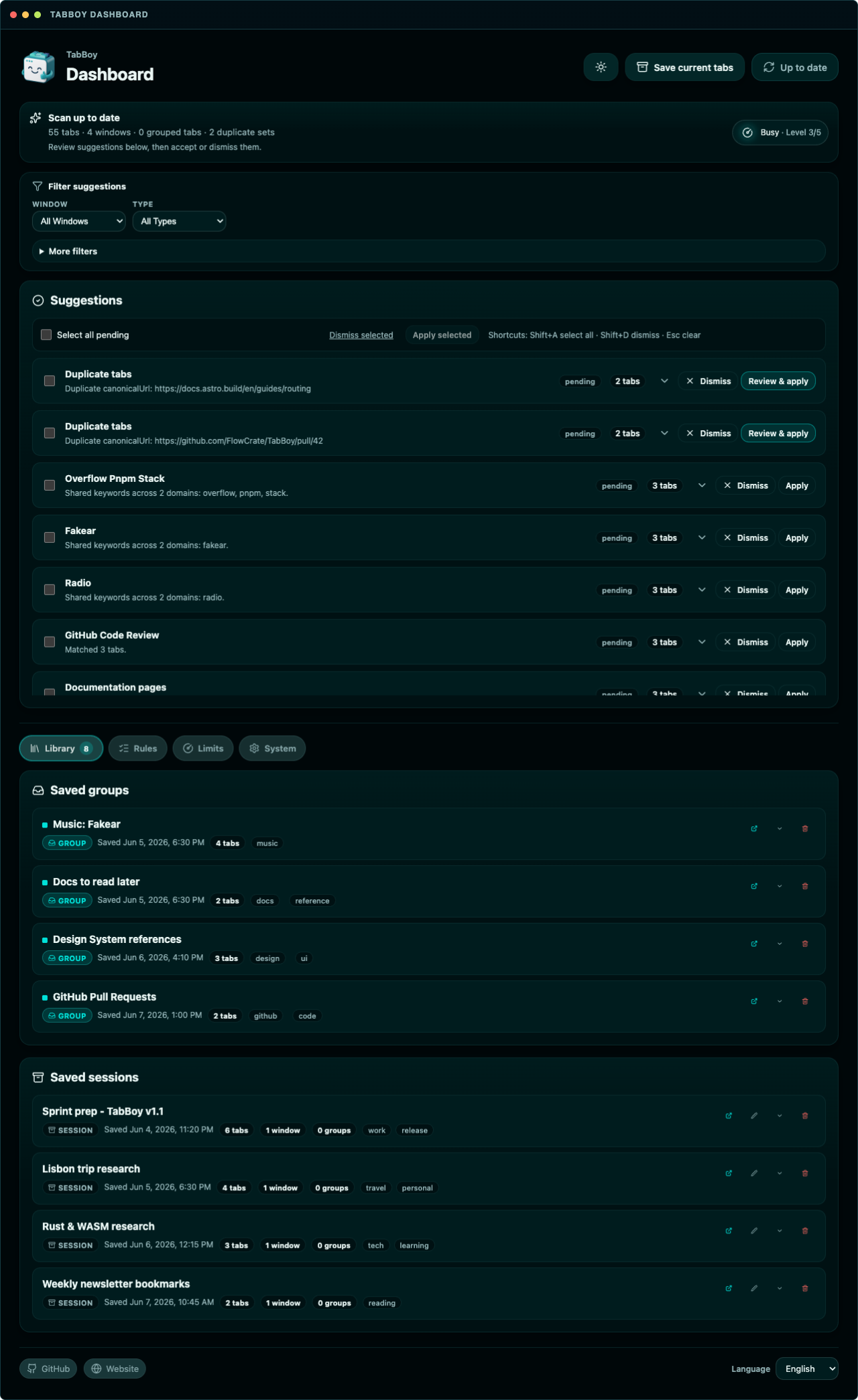
From “I can’t close this” to choices you can approve.TabBoy applies only the browser actions you approve.
What it does
Read Chrome windows, tabs, and tab groups on device, then persist only local scan metadata.
Rule-based duplicate, grouping, move, and save-for-later suggestions stay pending until approved.
Saved groups and full collections can be restored into the current window or a new one with tab groups preserved.
Trust signals
Everything is visible before TabBoy changes Chrome.
Install from the Chrome Web Store, inspect releases, or build the extension locally.
No account, no backend, no telemetry, and diagnostic exports stay user-controlled.
Suggestions stay pending until approved, and destructive actions ask again.
Bugs, ideas, rule presets, changelog, and quality gates live in the repository.
Collections in context
Connect related work, clear your reading backlog with instant local summaries, and sort bookmarks by topic without cloud lock-in.
Link windows and collections that belong to the same project as a focused, readable list.
Read the docs →Save tabs for later with reading statuses and fast extractive summaries generated locally on device.
Read the docs →Organize Chrome bookmarks into topic-based sets using local keyword clustering.
Read the docs →Roadmap V2
AI is optional: local-first, always user in control.
TabBoy Pro and BYOK features build on V1’s local foundation without taking away your control.
No backend, no telemetry, and no mandatory AI account. Local rules handle scans and suggestions on device.
Optional BYOK or hosted TabBoy Pro to suggest group names and draft rules. Free from required subscriptions.
AI suggestions must pass the exact same Zod schema validation as user rules. AI never mutates browser state directly.
Workflow
Comparison
How TabBoy Compares to Other Tab Managers
Wondering how TabBoy differs from Workona, Toby, Session Buddy, or OneTab? Explore our objective, dated feature, privacy, and architecture comparison matrix.
Surface map
The extension keeps each recovery path separate.
These are the product areas TabBoy separates so review, restore, and rule work stay clear.
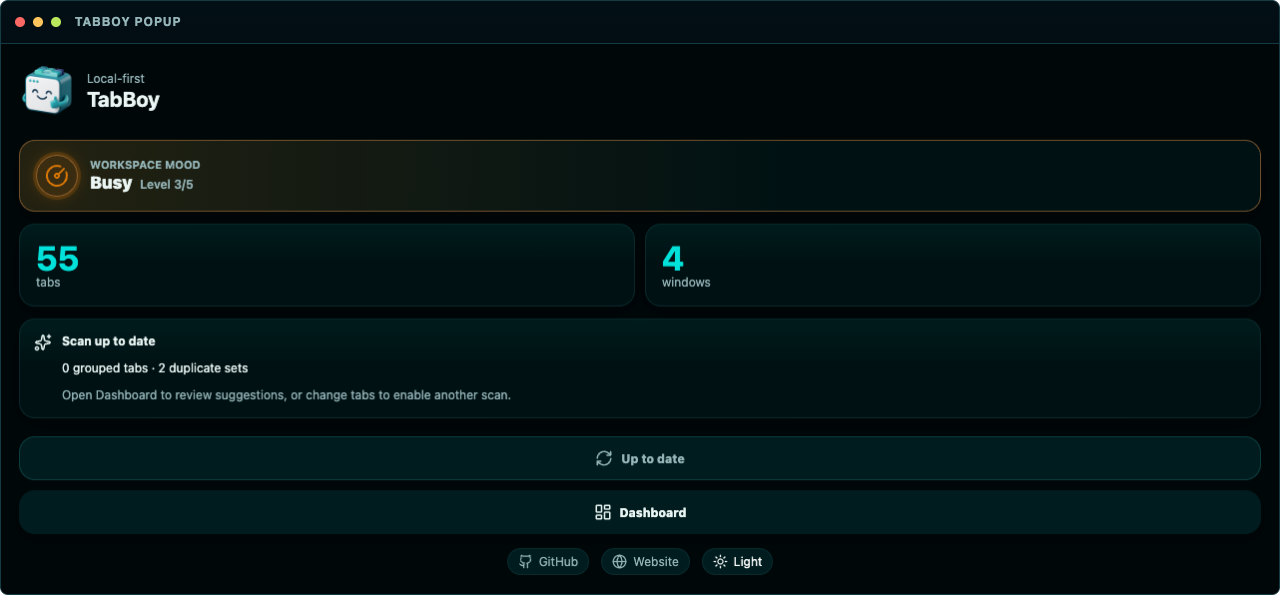 01 · Popup scan state02 · Dashboard suggestions
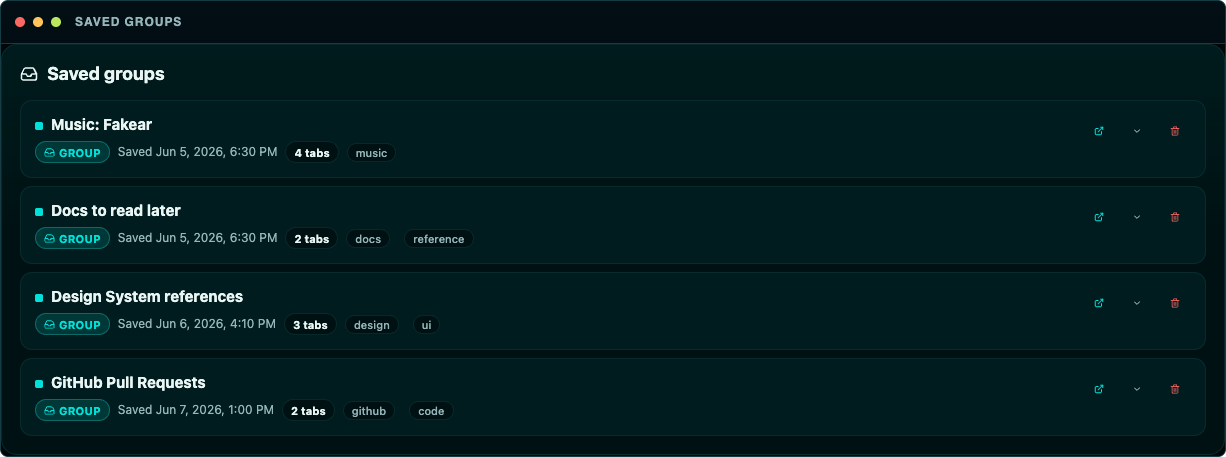 03 · Saved groups
Save-for-later contexts separated from full collections.
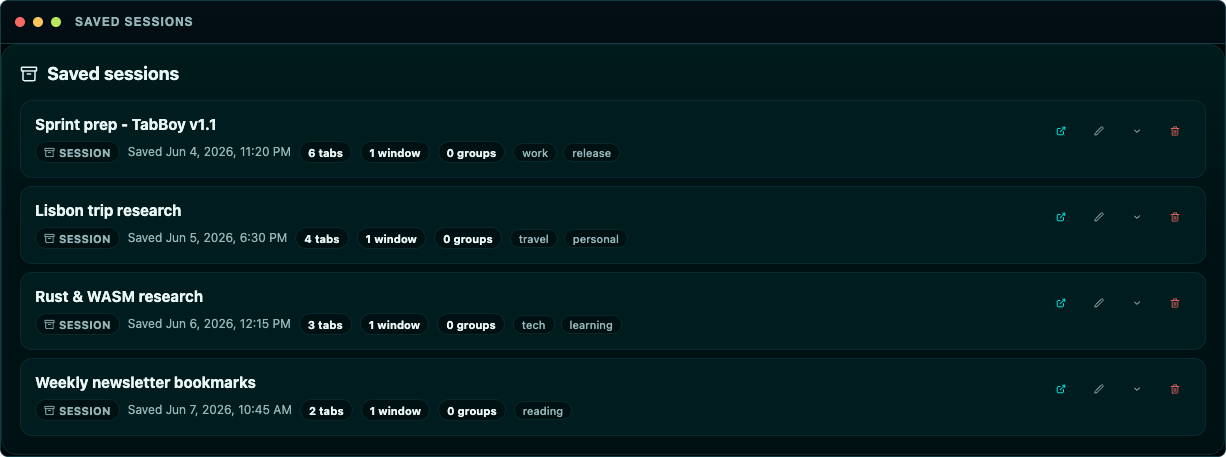 04 · Collections
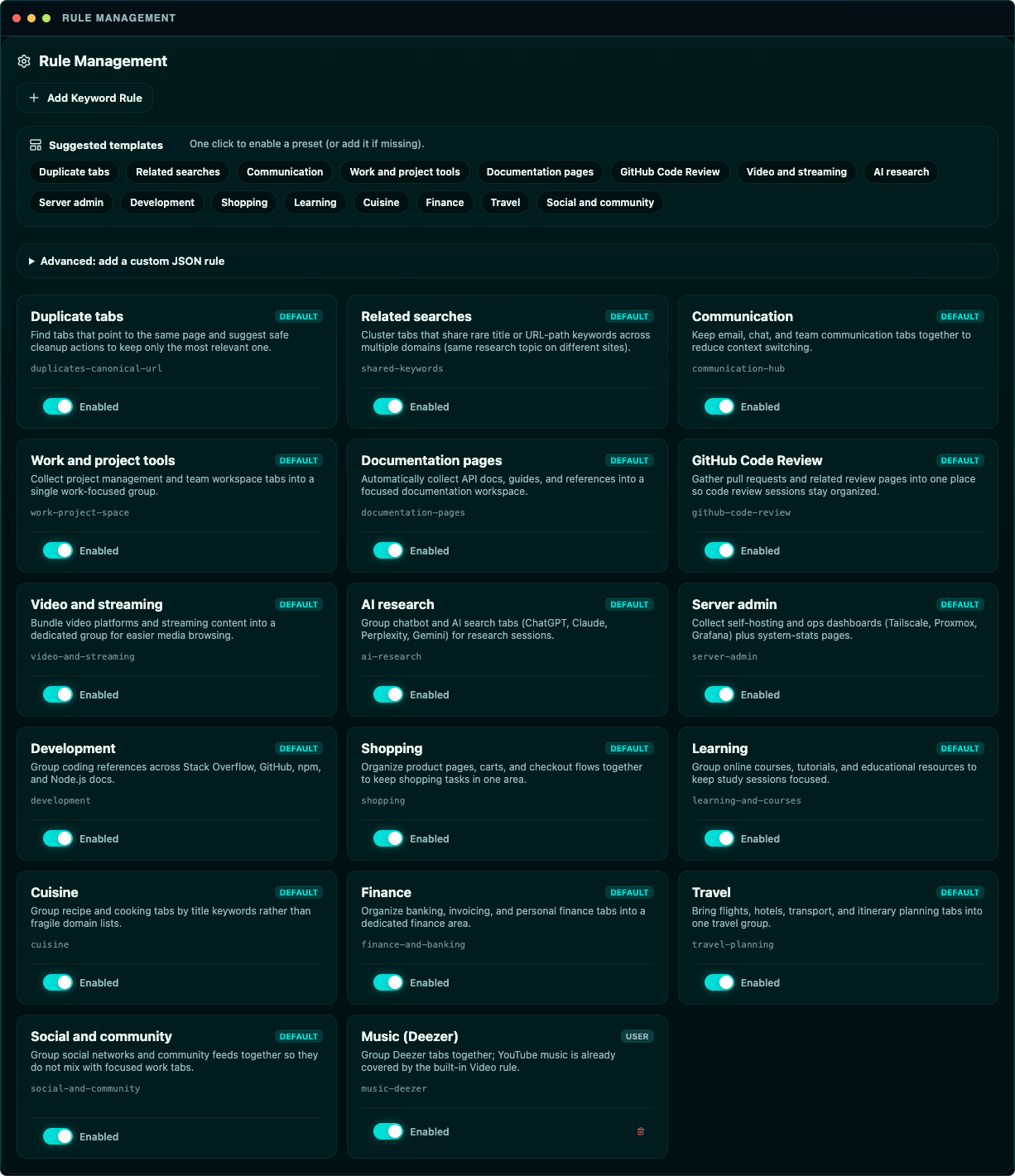 05 · Rules
Validated JSON rule authoring and default presets.
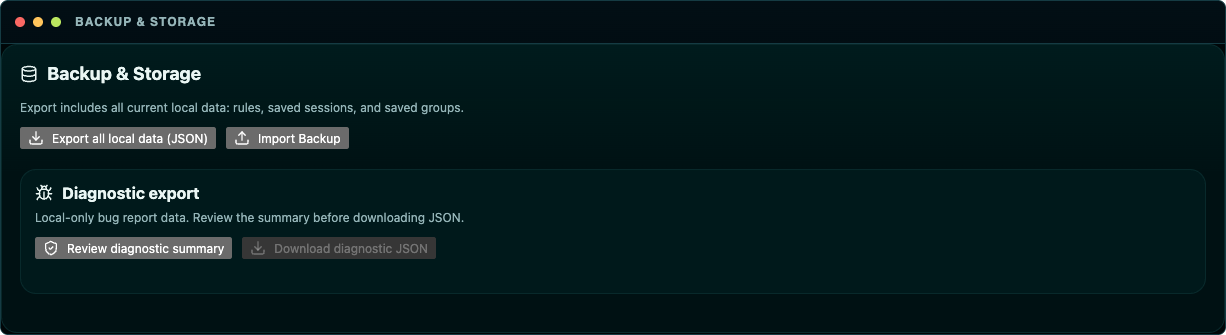 06 · Backup import
Export and import controls sit beside the diagnostic export review.
Open source
Bugs, ideas, rules, and release notes belong in the open.
Bugs and rule proposals use GitHub Issue Forms. GitHub Discussions will open with the public launch.